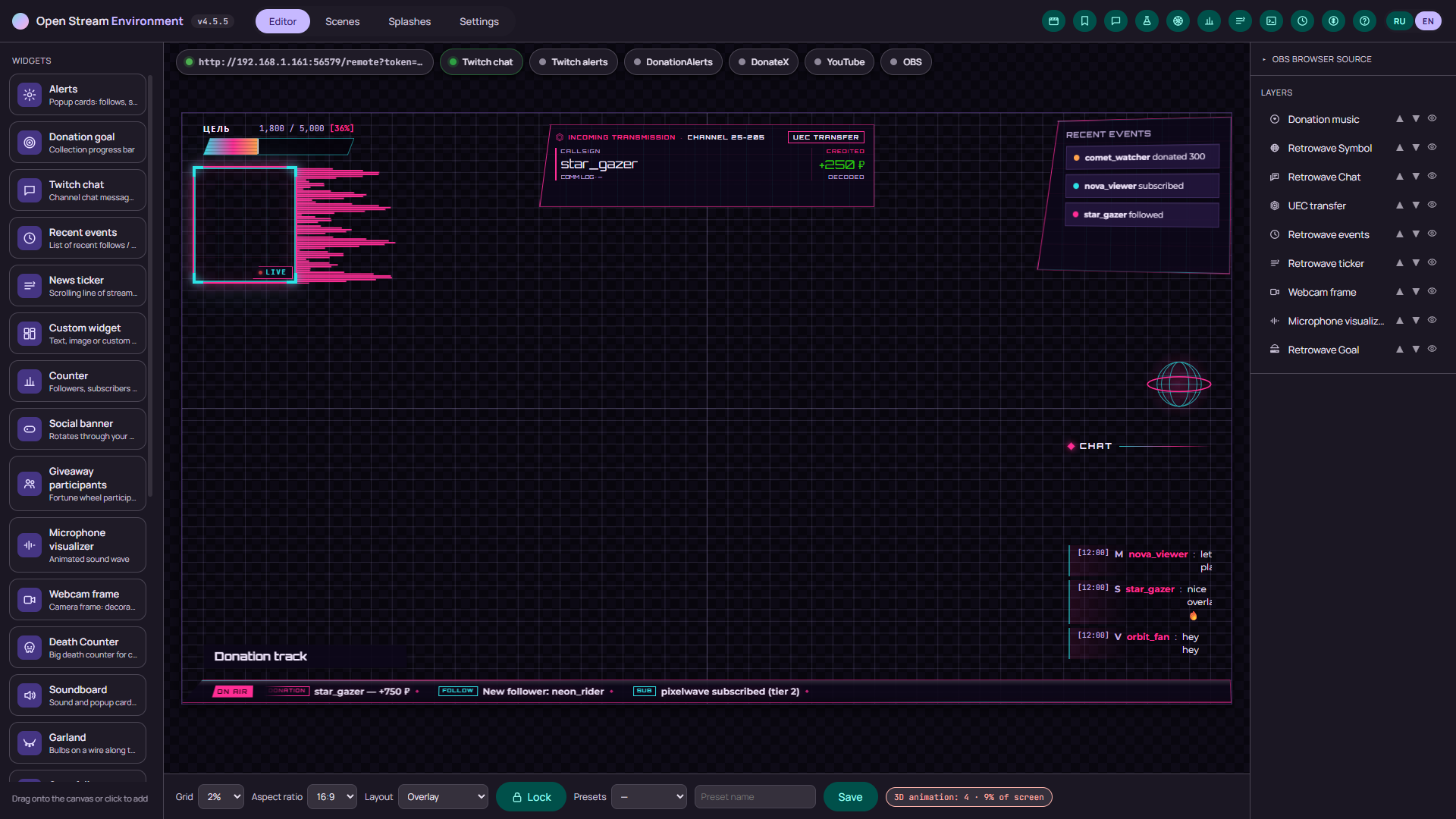
A Figma-style editor
A 16:9 canvas with a live overlay preview, the widget library on the left, layers and properties on the right. Drag, resize, a snapping grid, aspect ratios from 16:9 to 9:16 and layout presets.
Version 4.7.0 · released November 3, 2026
Open Stream Environment is a Tauri 2 (Rust) app with a system webview: a drag-and-drop layout editor, a local server and an overlay page you add to OBS as a Browser Source. Alerts, chat, the donation goal, scenes, themes and 3D widgets are set up in one window — and your data and tokens stay on your computer.
Everything a stream is made of: layout, alerts, scenes, themes and chat.
A 16:9 canvas with a live overlay preview, the widget library on the left, layers and properties on the right. Drag, resize, a snapping grid, aspect ratios from 16:9 to 9:16 and layout presets.
The server owns the queue, not the OBS page: Twitch, DonationAlerts and the Wheel feed one stream. Pause, "show now", merging donations from the same viewer — and the pause survives a restart.
Full-screen scenes for start, break, just chatting, ending, the wheel and polls. Control from your phone with Web Remote, the Stream Deck plugin and OBS WebSocket; a clip and a stream marker are one button away in the toolbar.
Viewers join with a chat command or by hand, elimination mode drops one at a time, and the wheel spins at your speed and volume. Giveaway presets and a ready-made Fortune Wheel scene ship with the app.
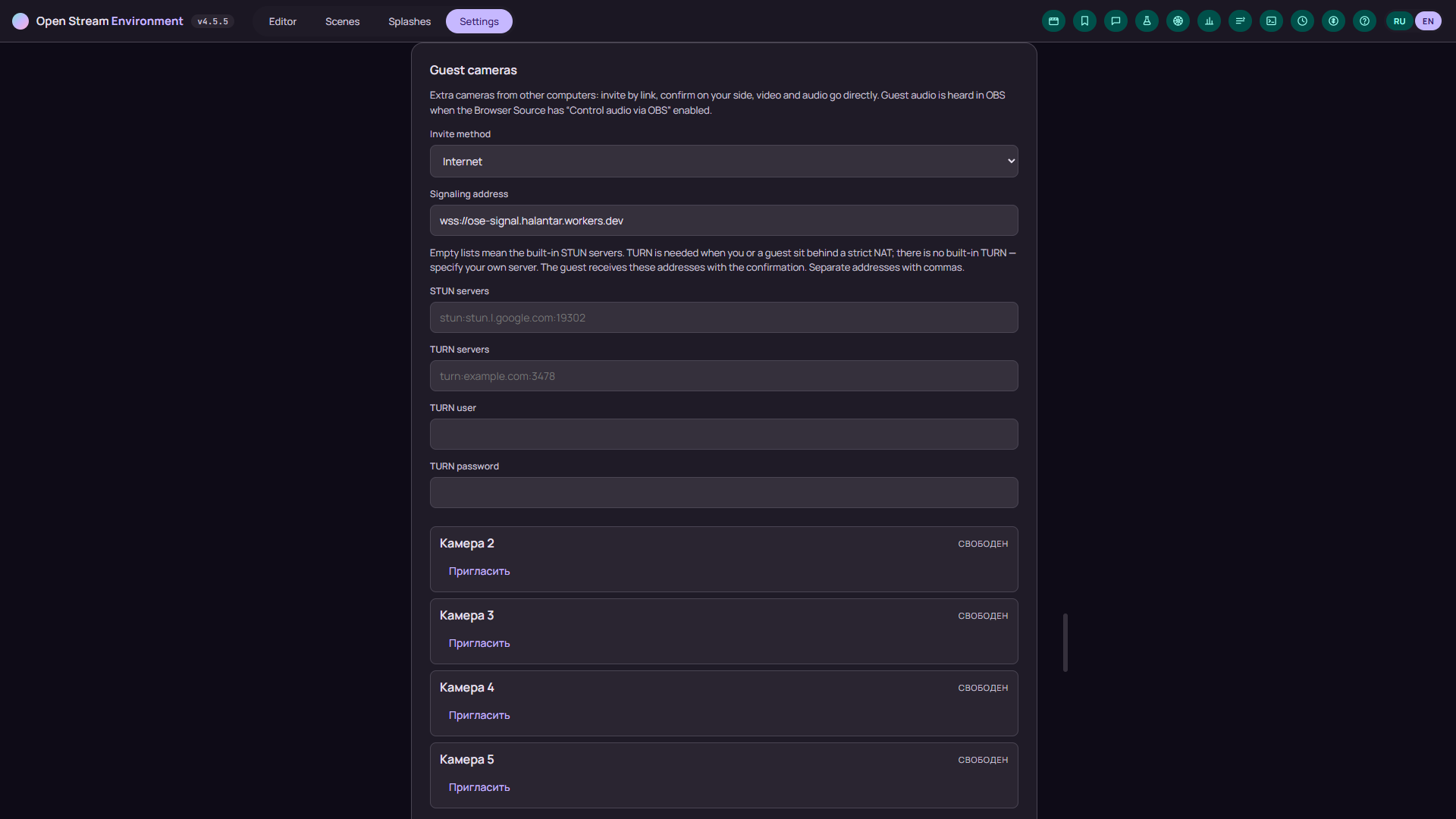
Up to four extra cameras from other computers: a one-time invite link, your confirmation, and video with audio straight over WebRTC. On a LAN there is no middleman; over the internet a signaling service introduces the two sides while the media still goes directly. Frames are bound to slots, and the Guests scene ships as a ready two-by-two grid.
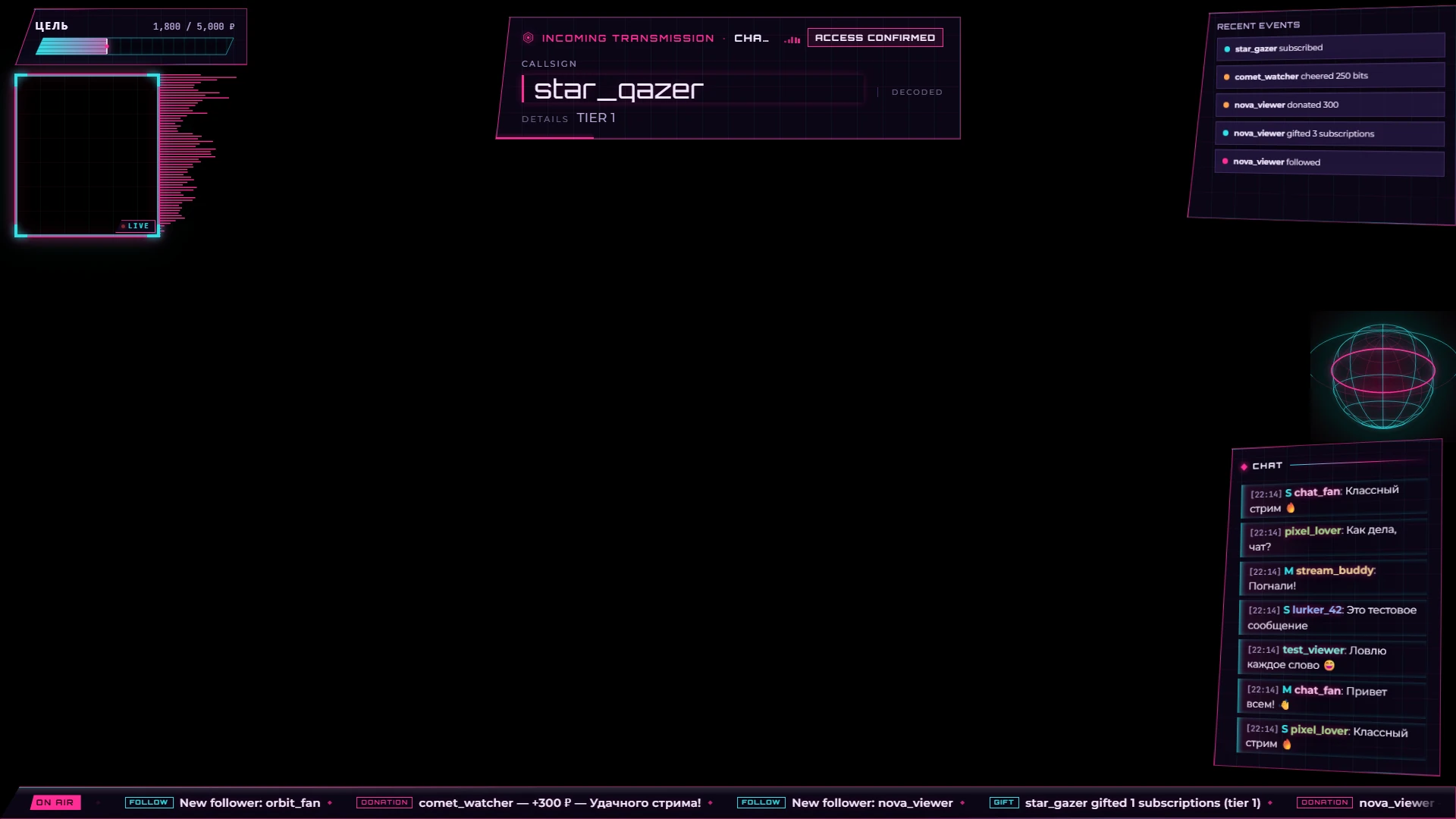
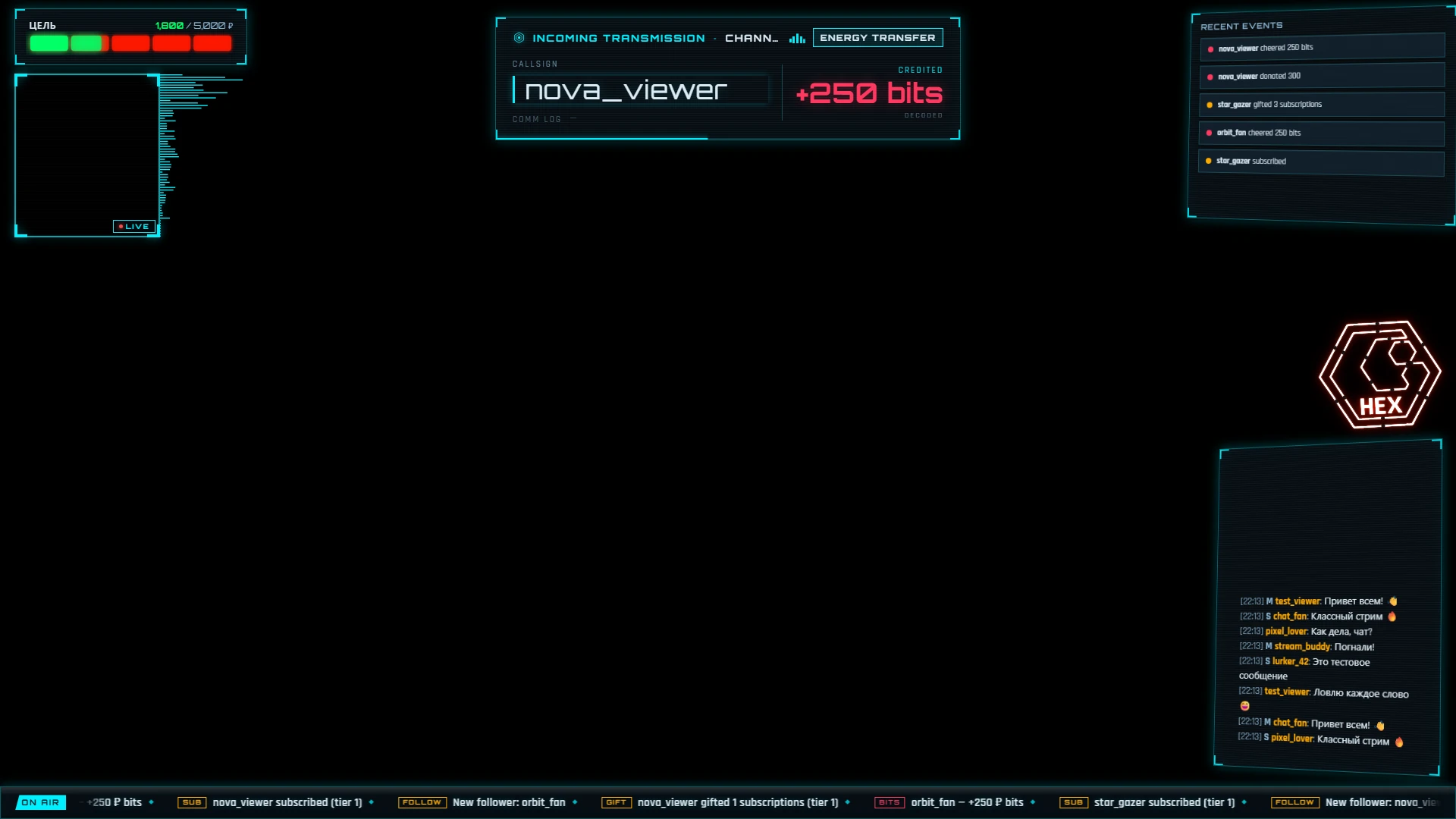
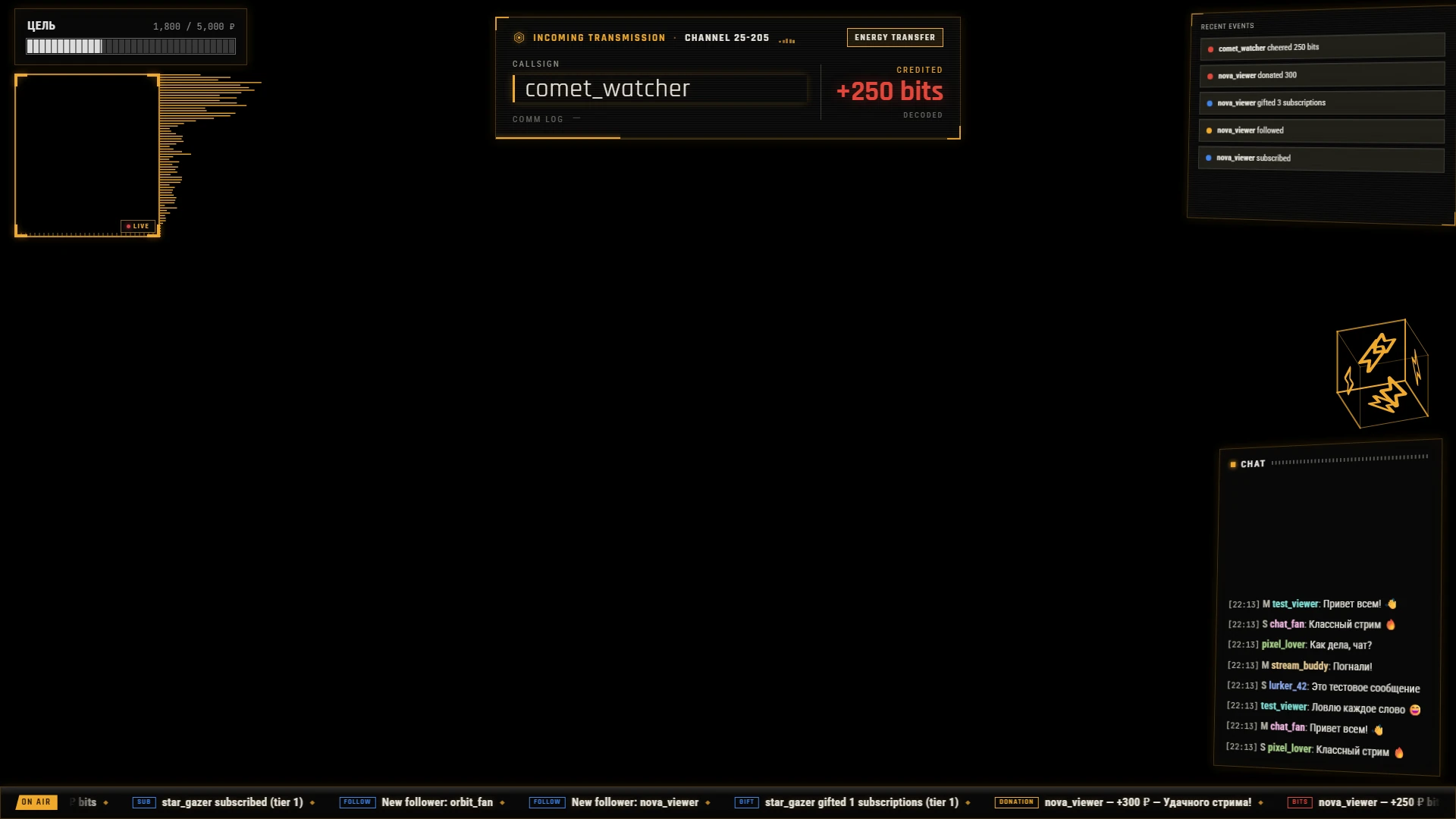
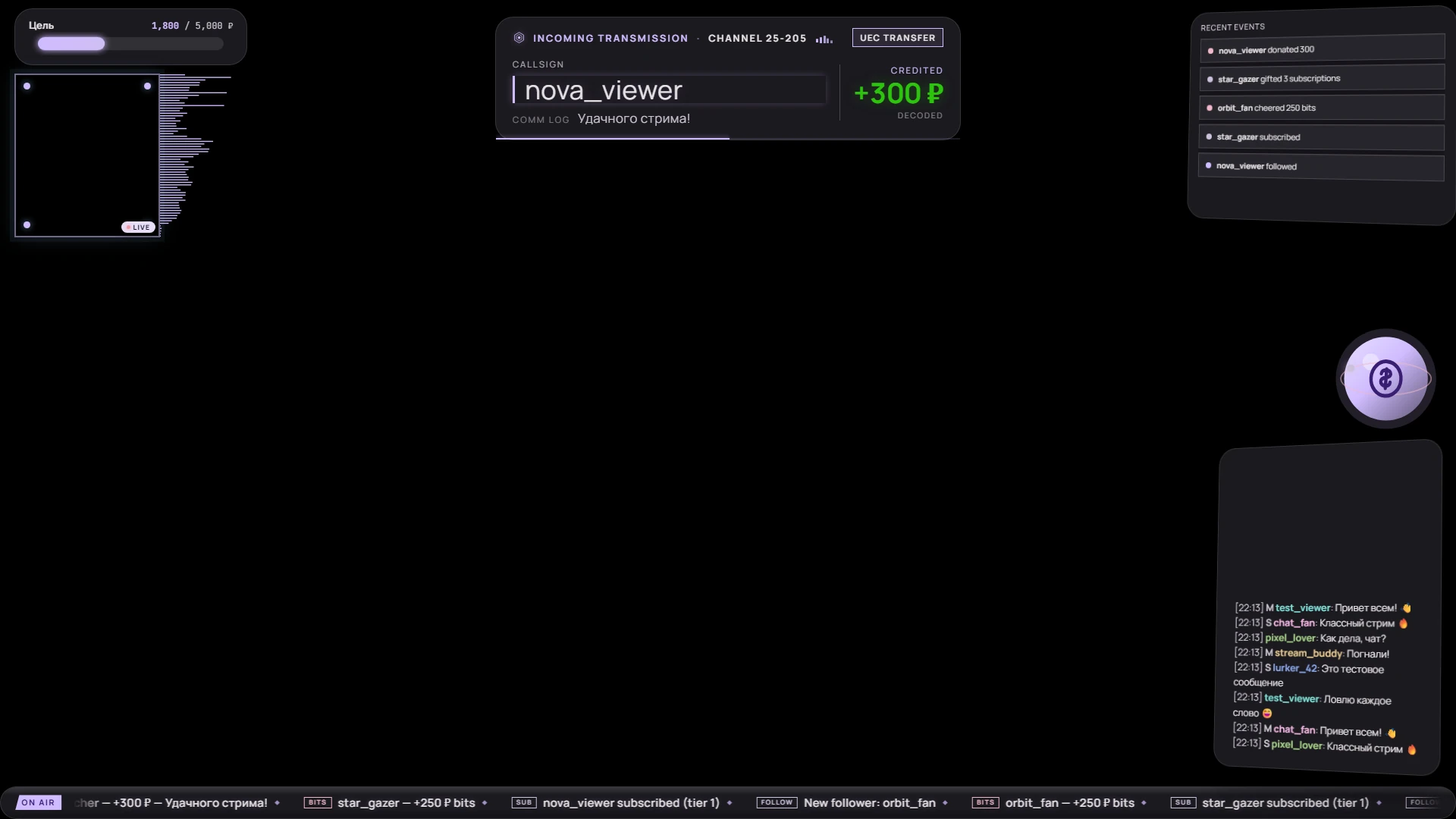
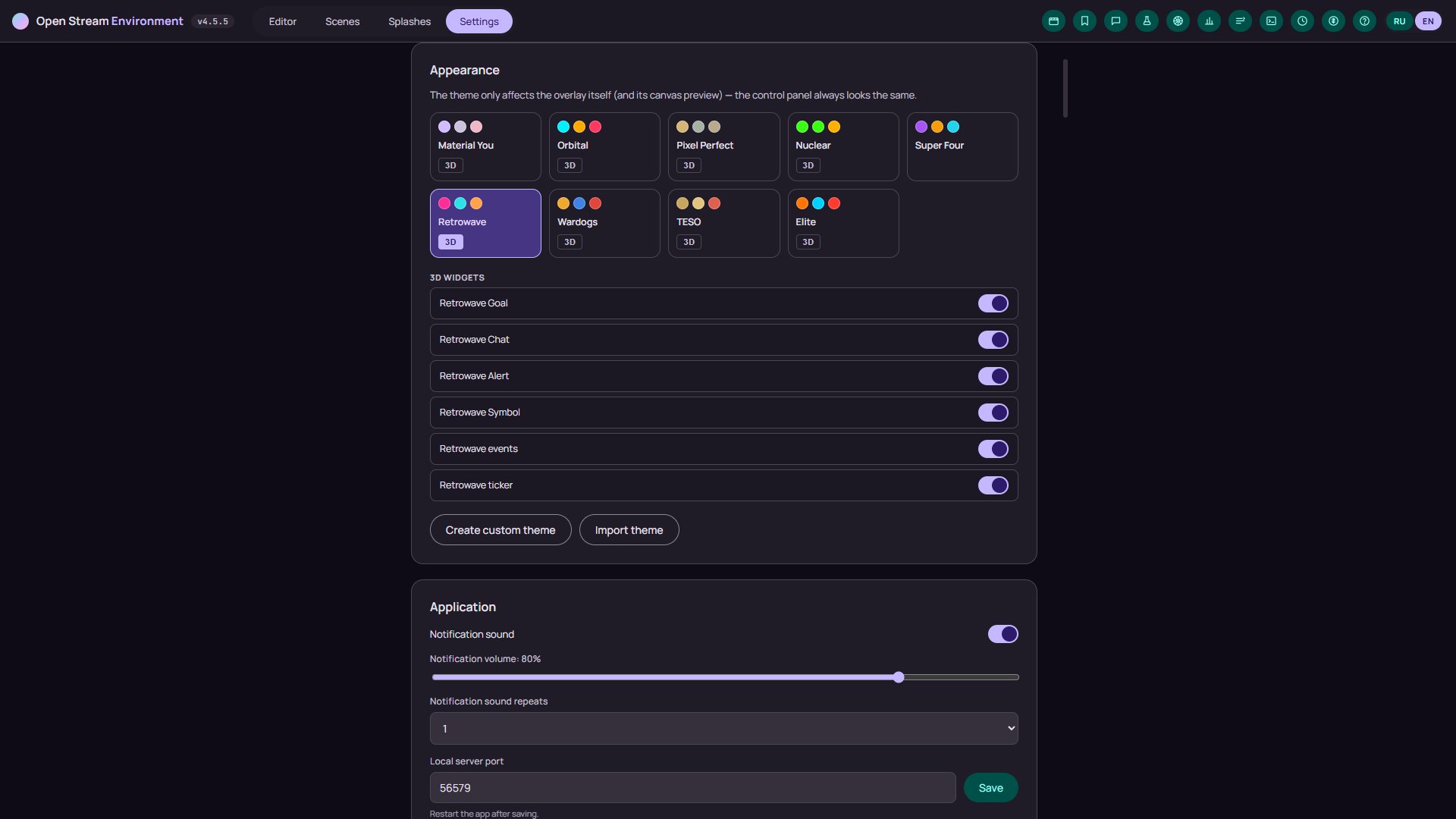
Material You, Orbital (Star Citizen Grim HEX), Pixel Perfect, Elite and Cobra Mk II, Nuclear, TESO, Wardogs, Retrowave and Super Four, most with 3D widgets. Build your own theme in a dedicated editor: palette, panel shapes, fonts, glow and a WCAG contrast check.
A Twitch chat window you can post from, a built-in bot with commands and timers, and auto-moderation: links, a banned-word list, caps and emote limits, warnings up to a ban.
The Rust server (tokio + axum) runs on your own machine: settings, history and tokens stay local. What leaves are requests to Twitch, DonationAlerts and YouTube and — if you enable guest cameras — signaling and WebRTC media (a direct P2P link reveals your IP to the peer). Tokens are encrypted by the OS credential store, and settings are written atomically with backups.
The soundboard plays sounds and animations for channel points, a reward can fire an alert, a spoken line or a scene switch, and donation text is read out loud in the overlay (Web Speech API).
The control panel, overlay, scenes and wheel are translated into both languages. Switch on the fly — the choice is saved and applied in every open window.
Stream events with filters and search, sessions with duration, donation totals and message counts, plus chat history. Any event can be replayed with one click, and everything exports to CSV or JSON.
A log terminal with per-service filtering, /healthz for monitoring and a support report with no secrets in it. Backups with manual rollback, quarantine for corrupt files and a one-click updater.
Widgets you can drop on the canvas
Overlays in different themes, the editor, scenes, guest cameras and settings.
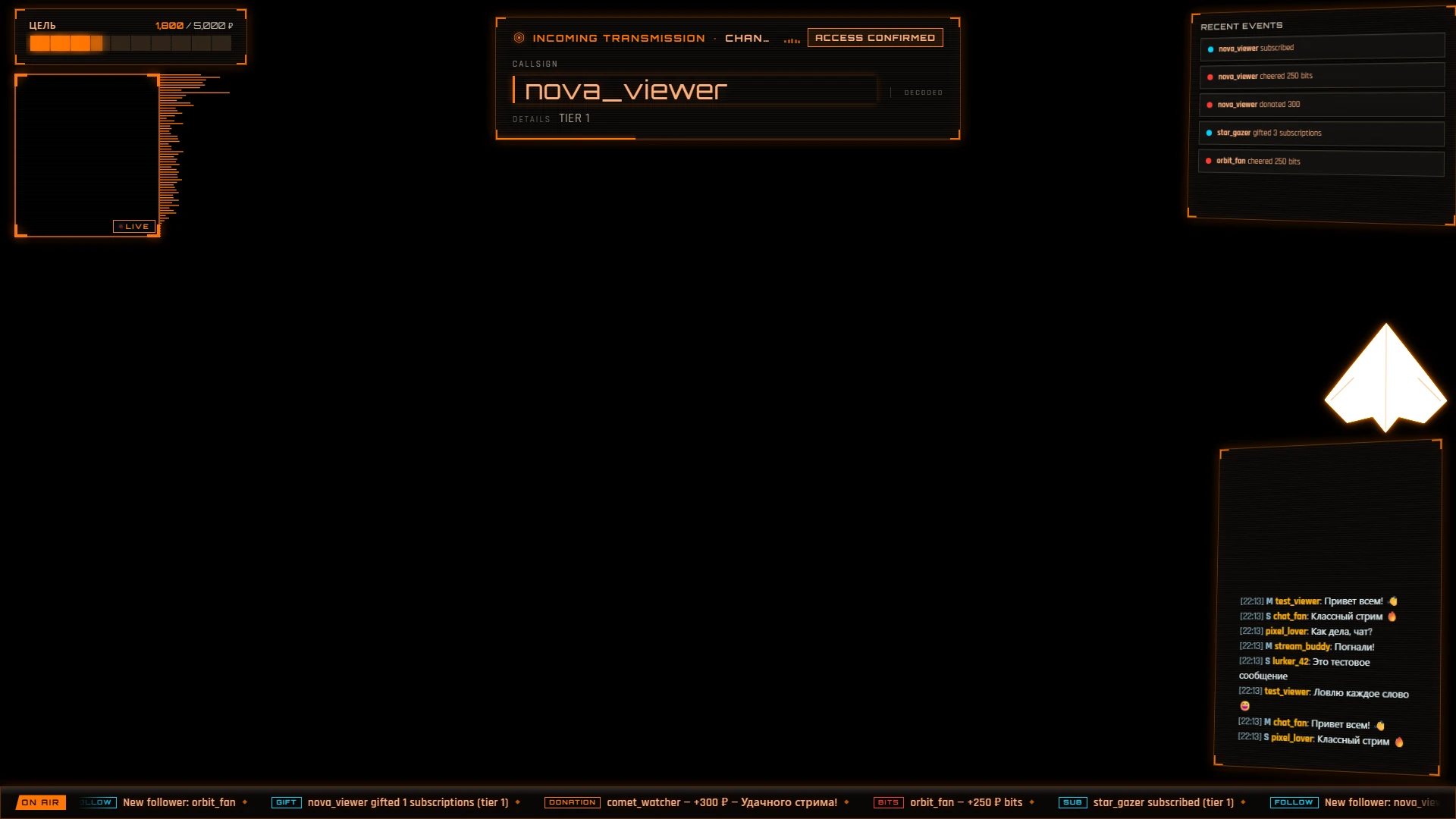
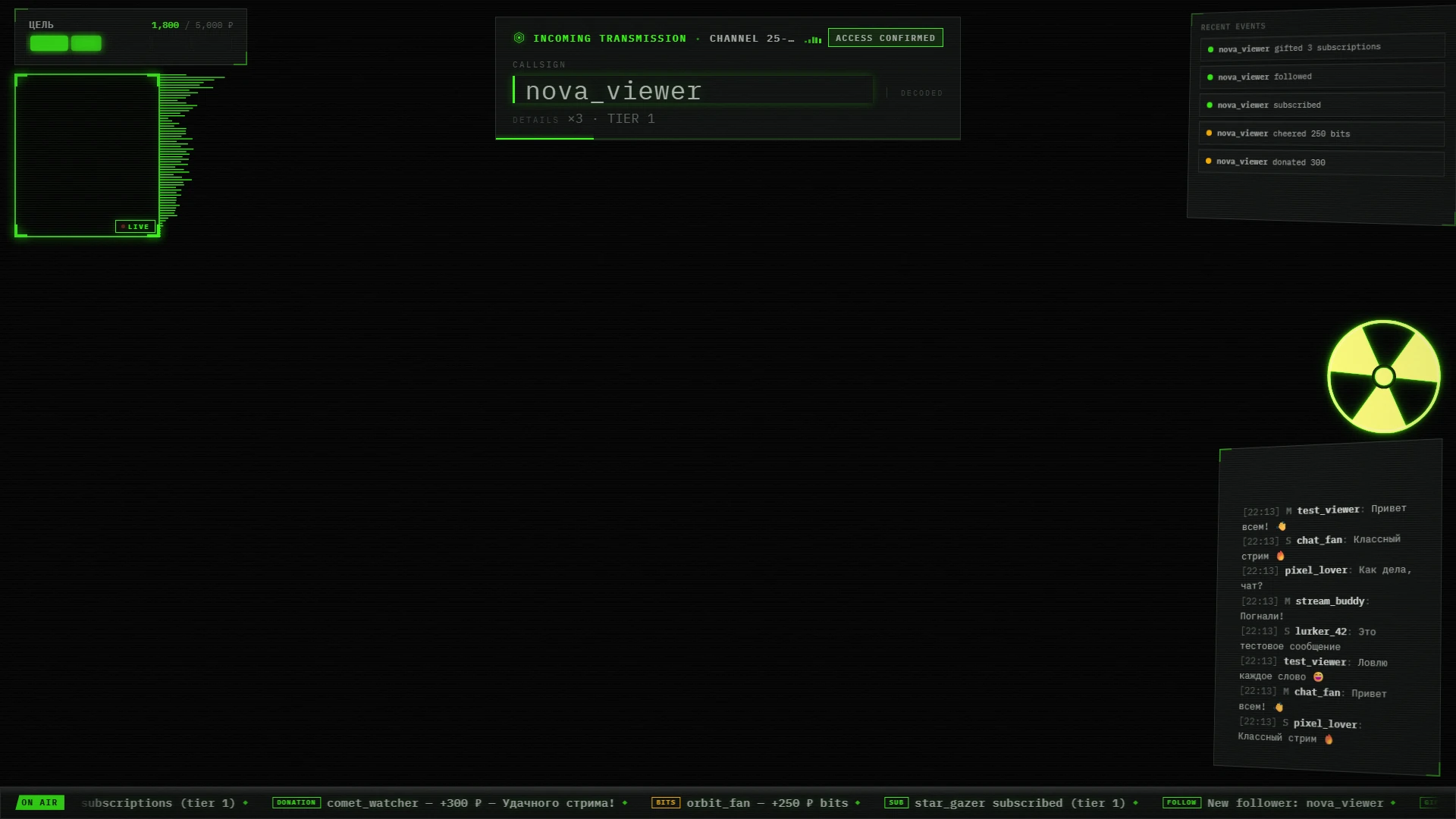
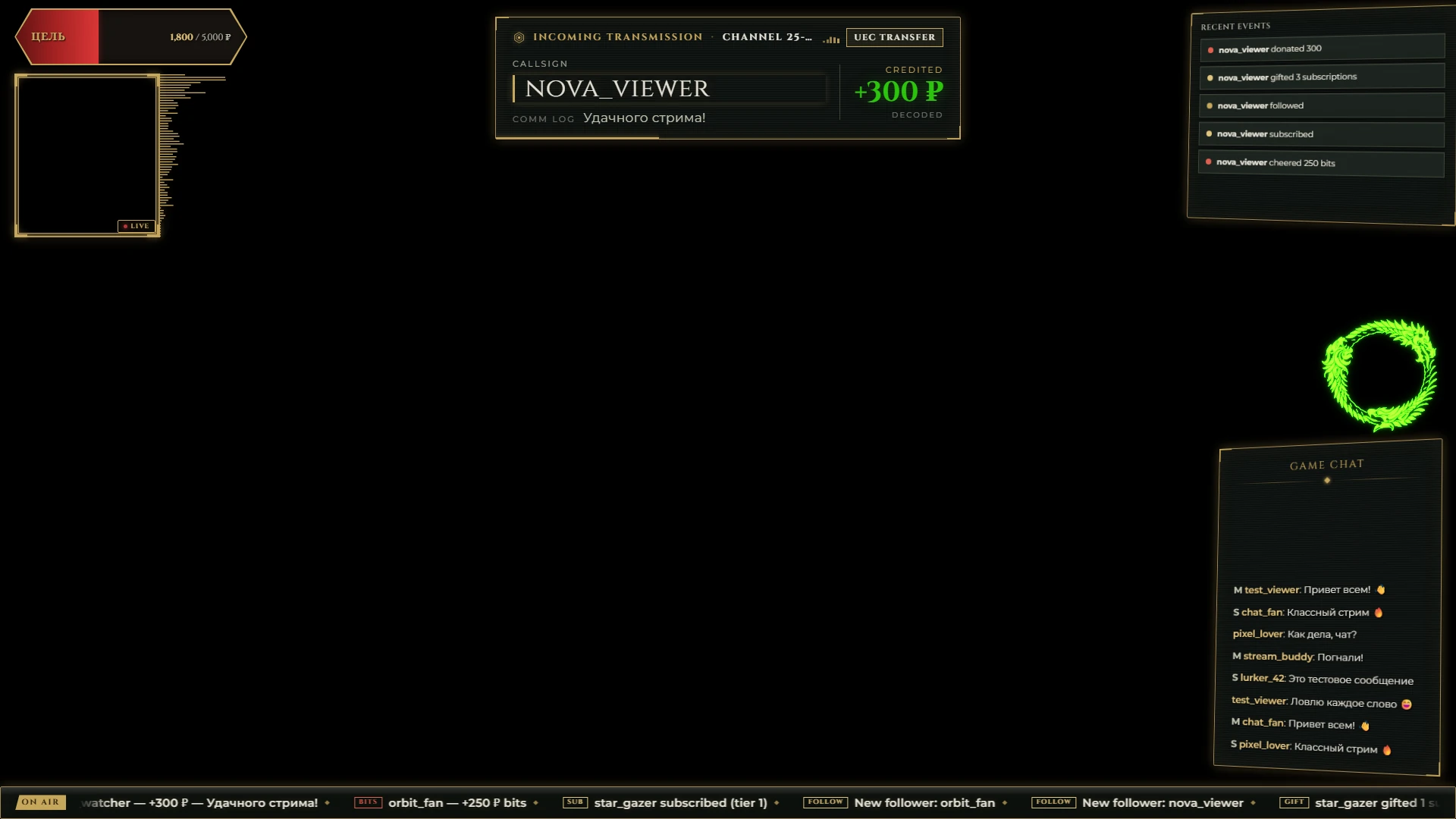
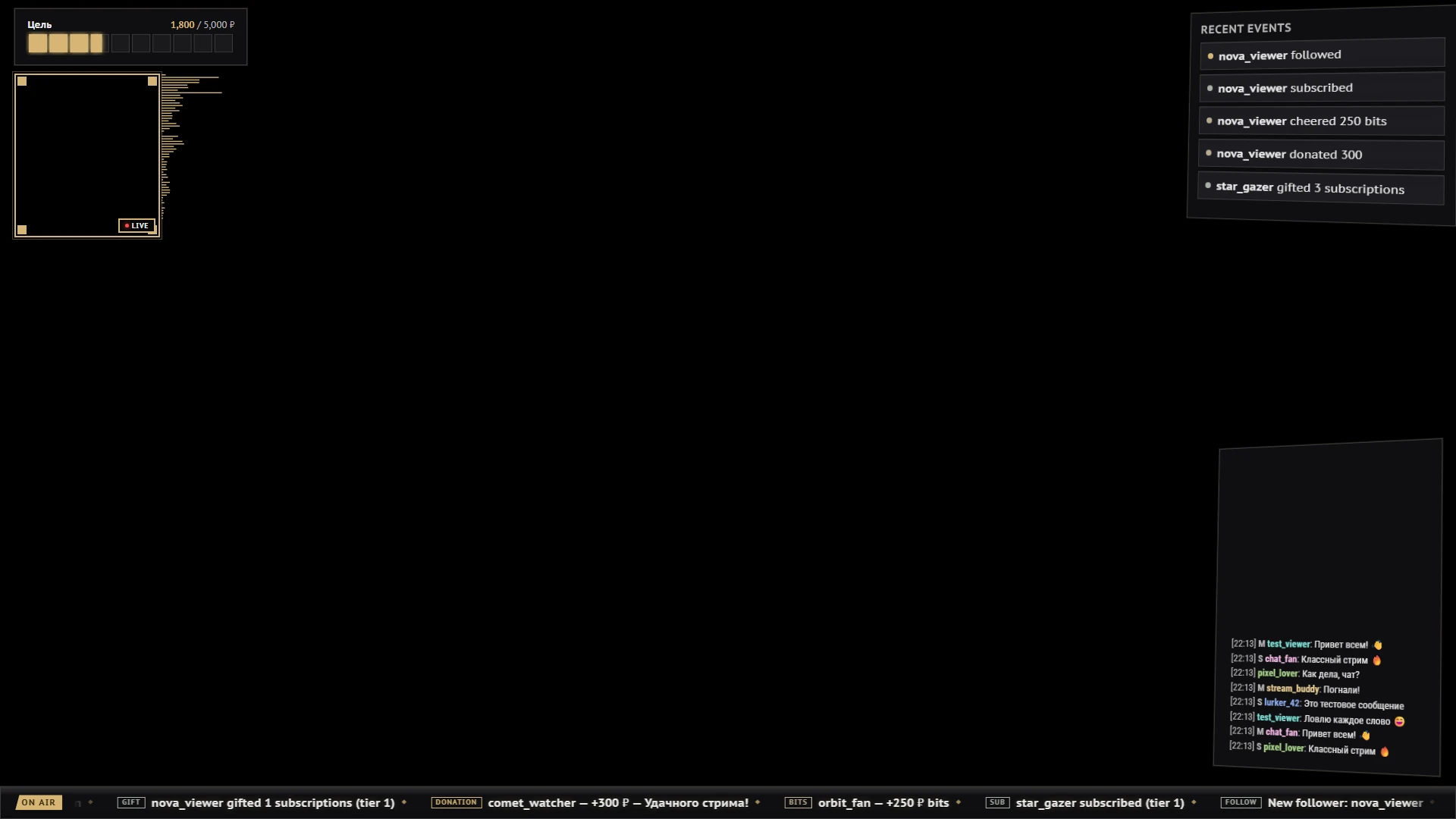
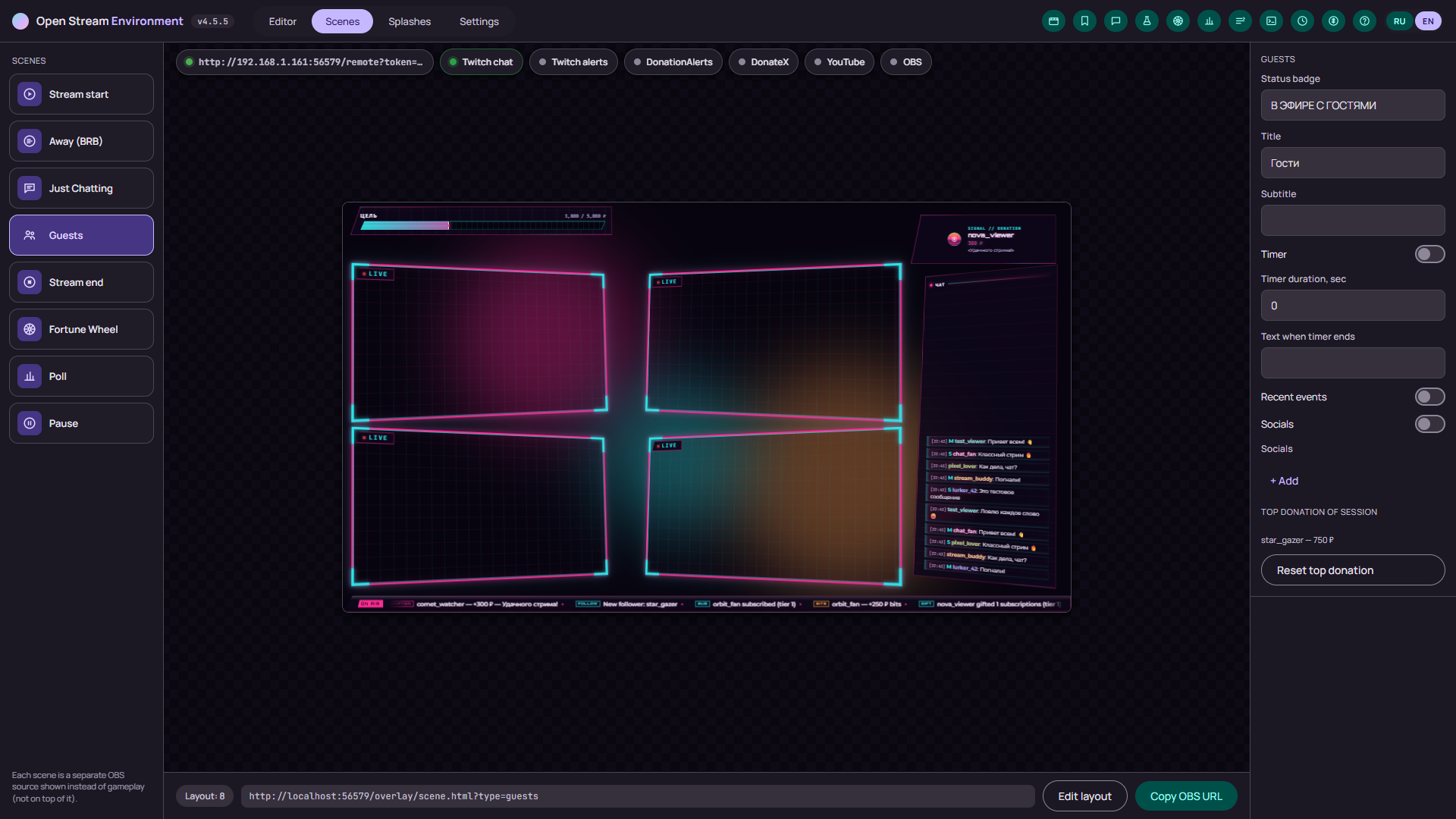
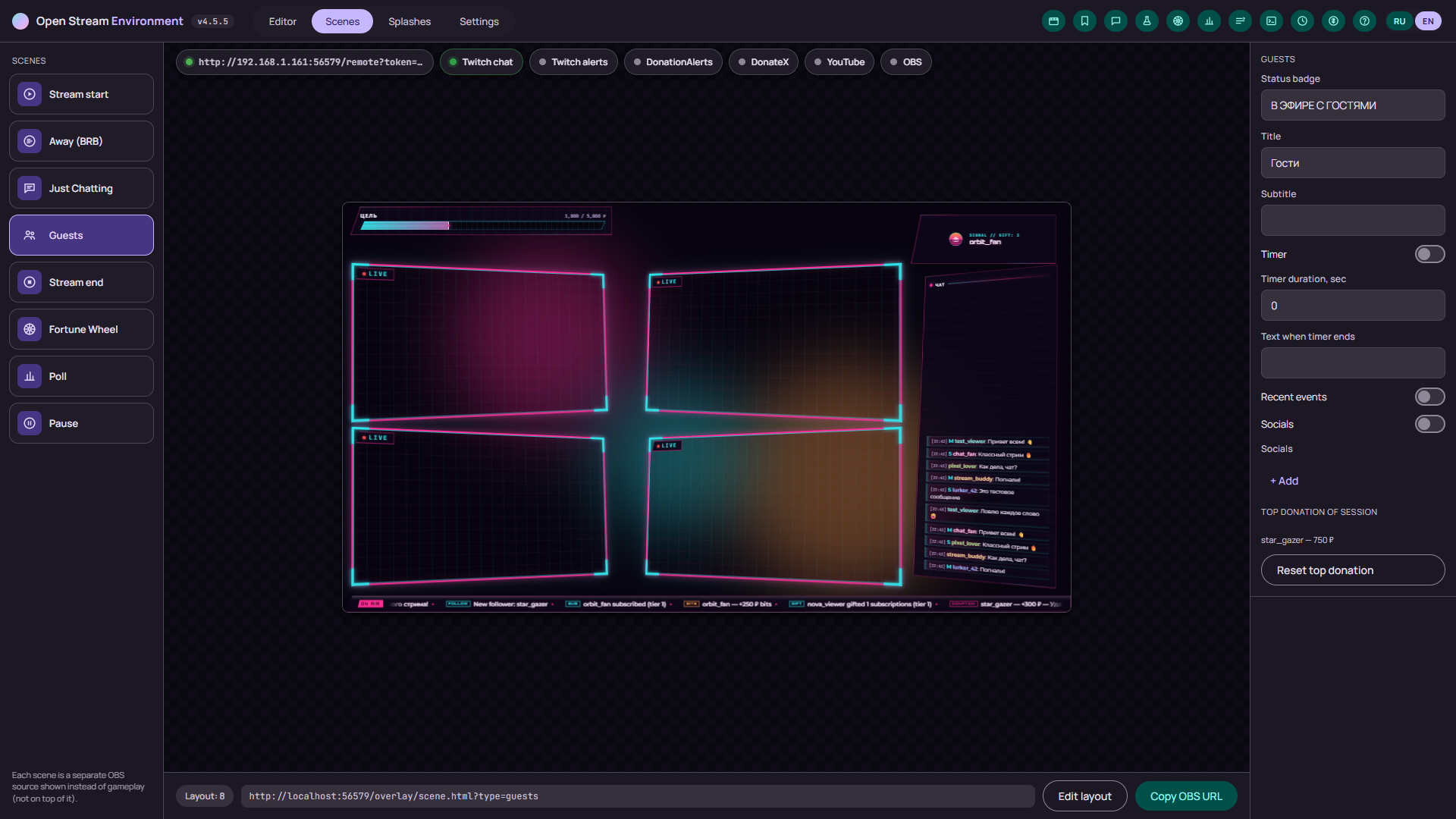
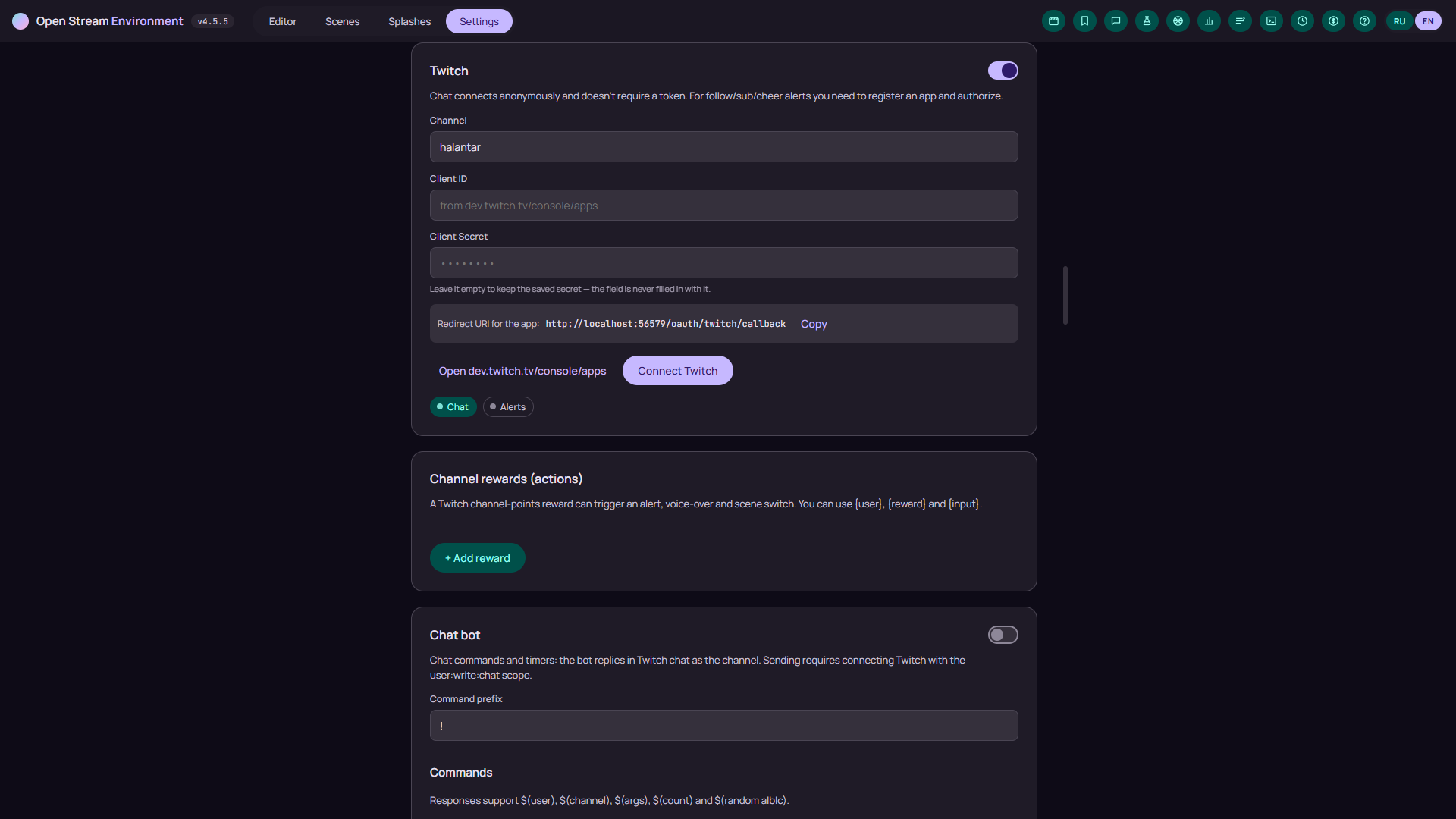
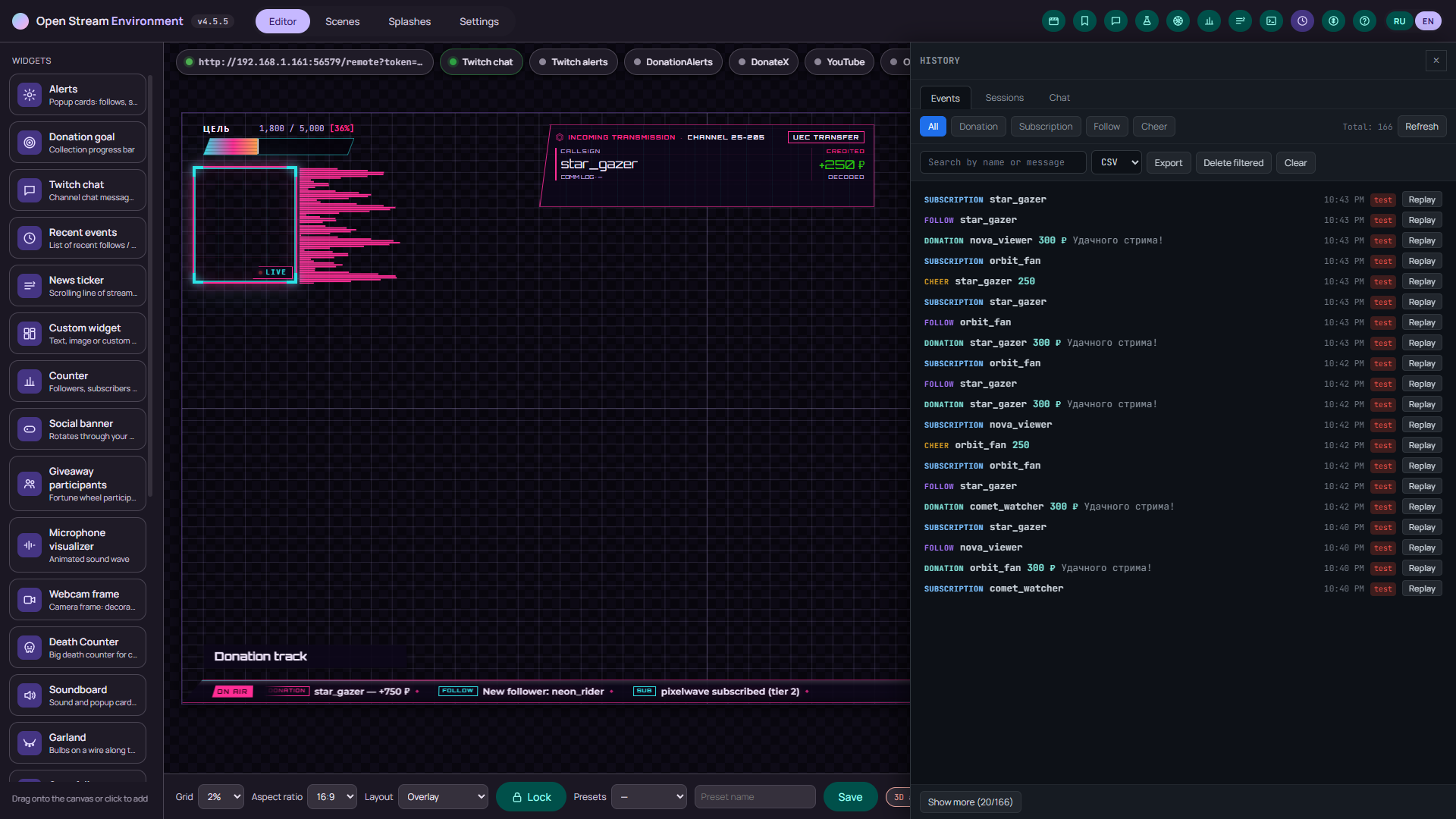
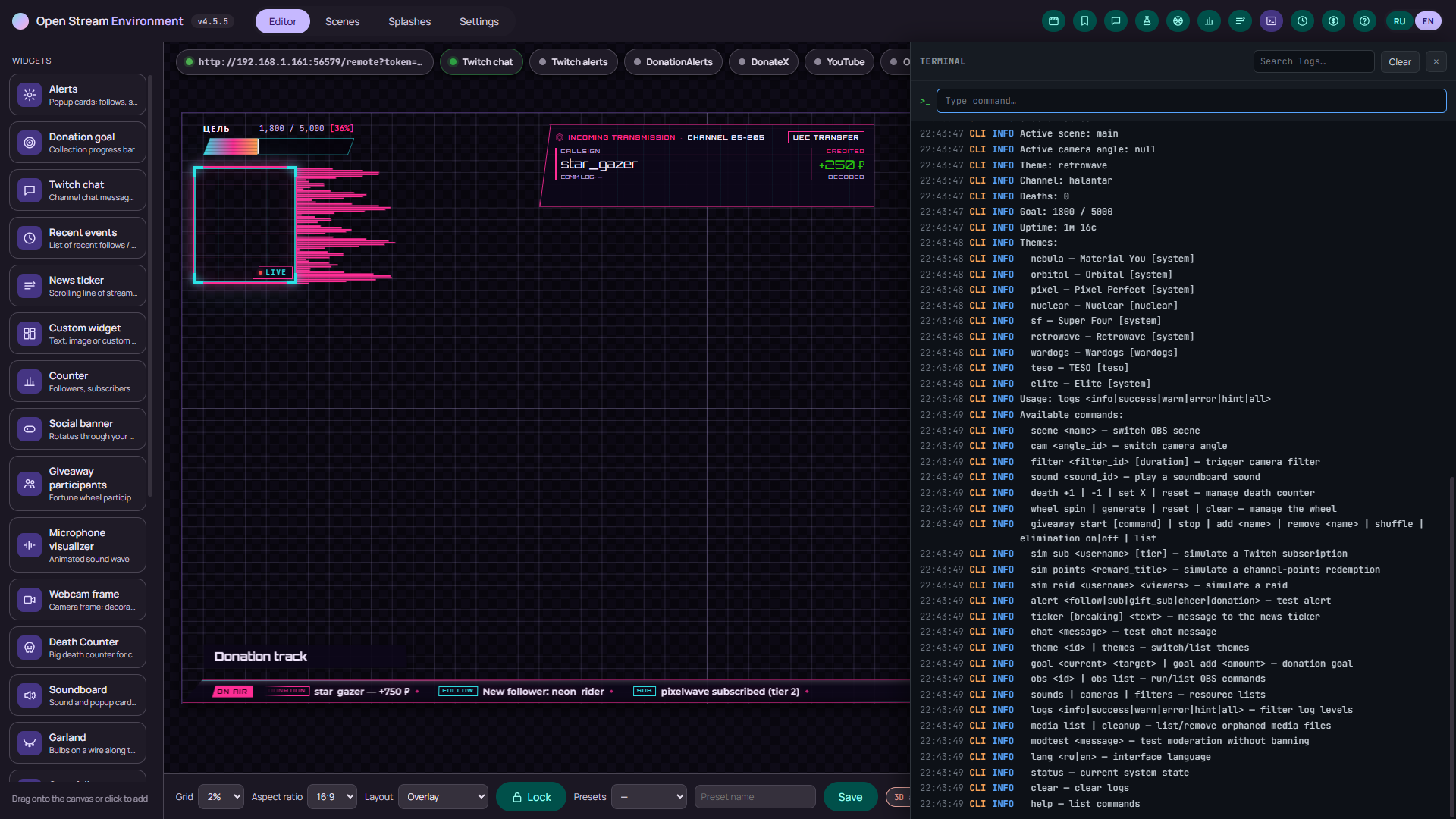
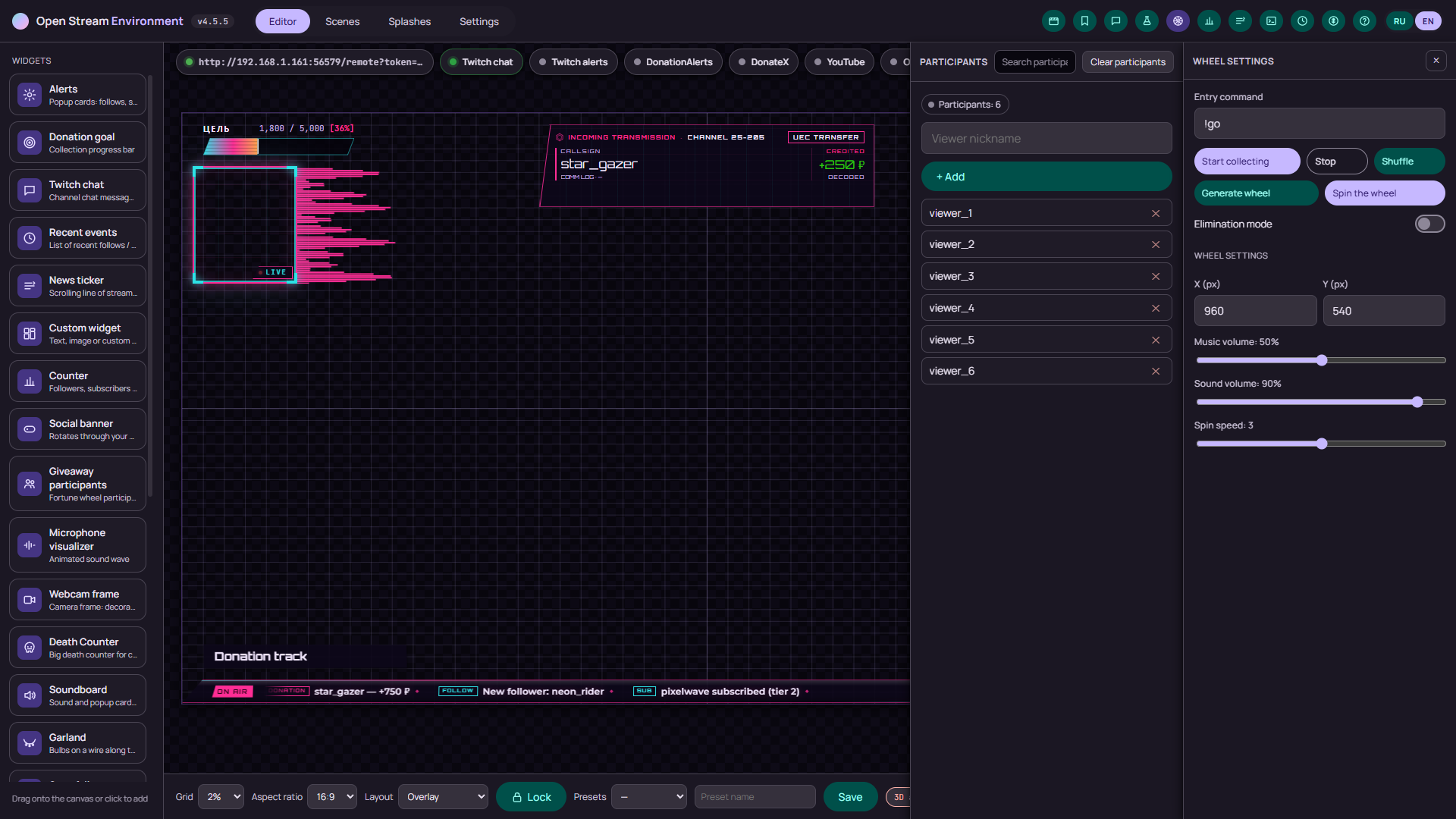
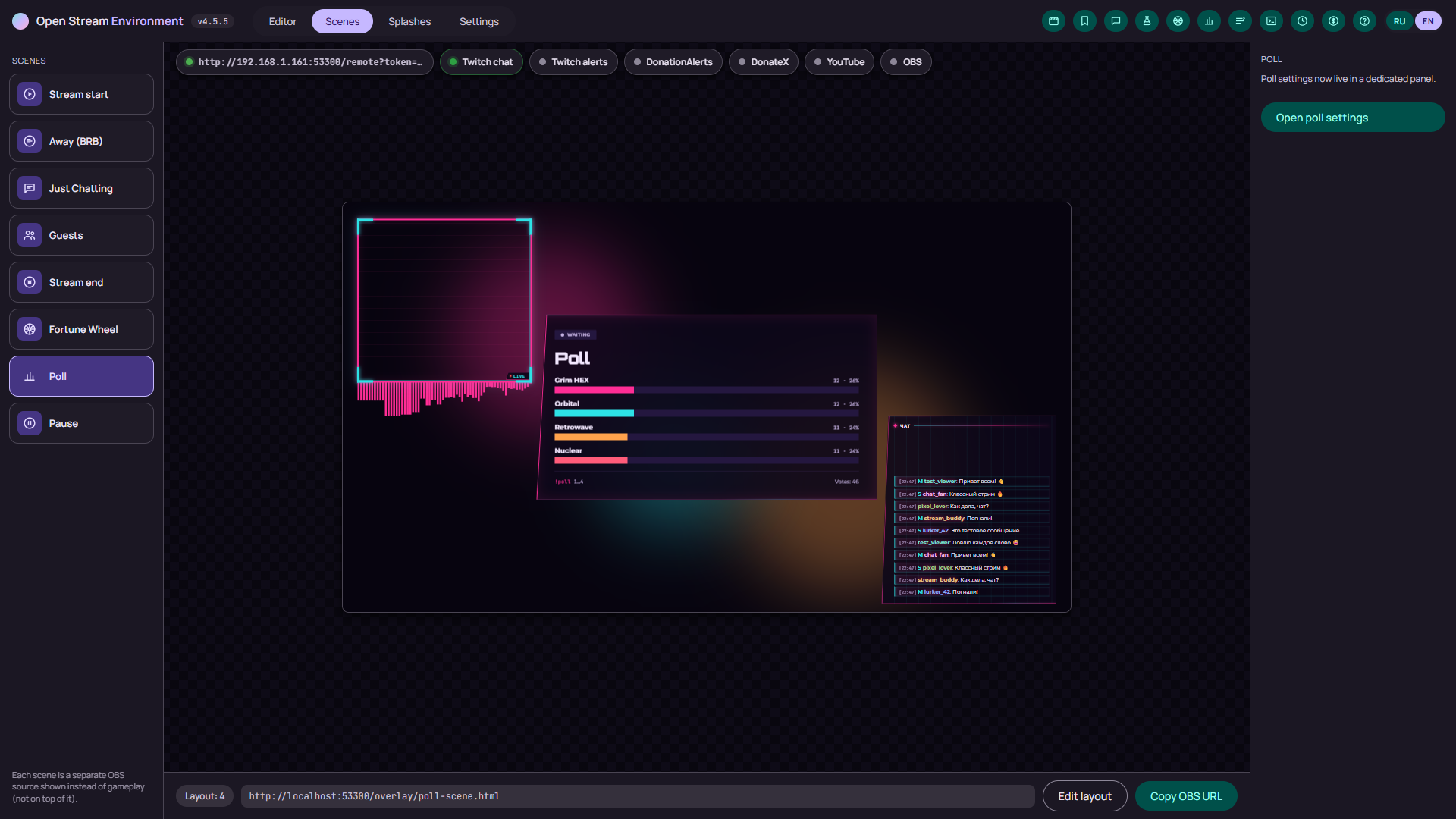
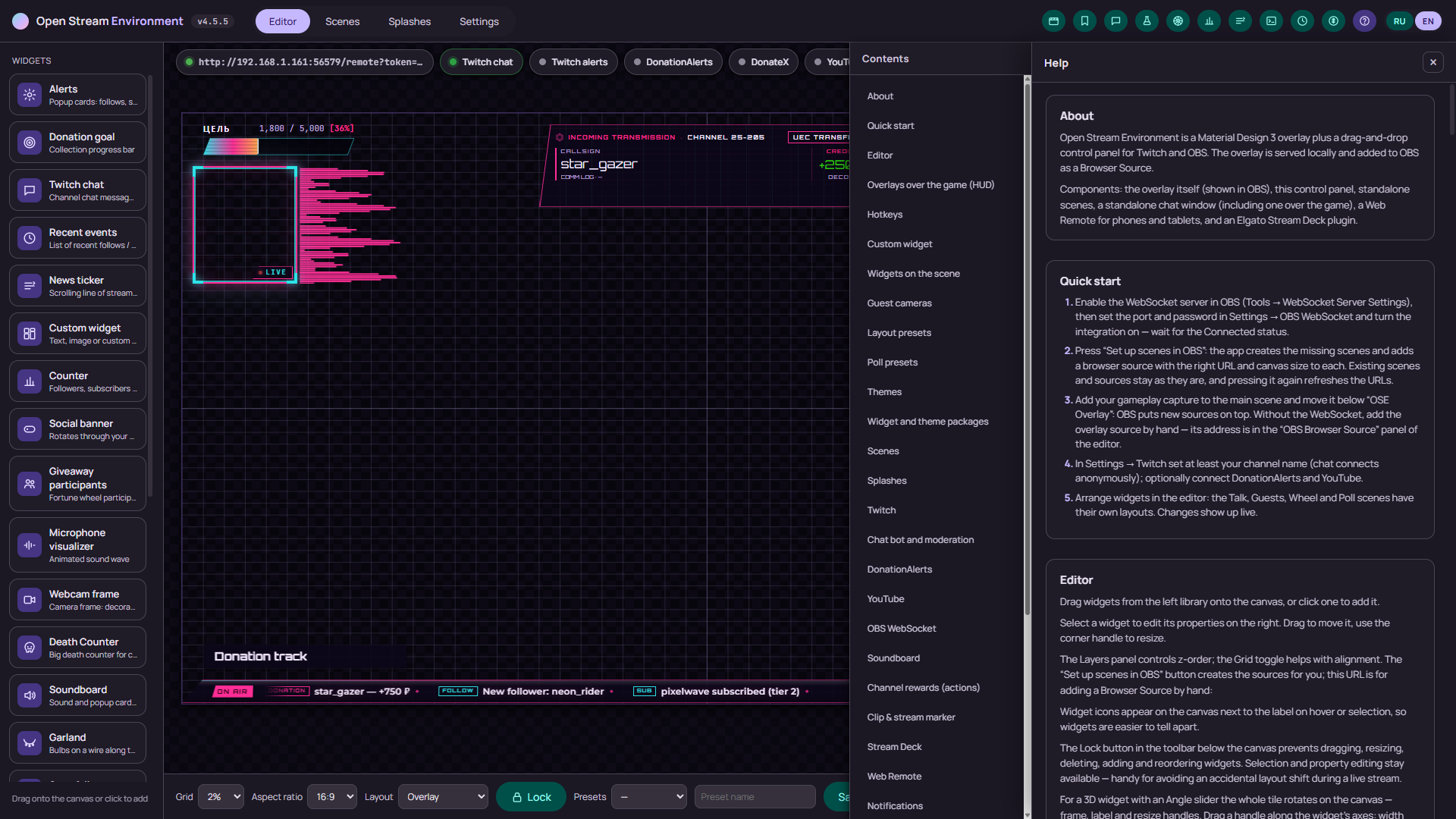
From install to an overlay in OBS in four steps. No console and no file editing.
Download a build from the Releases page: for Windows an NSIS installer or MSI, for Linux AppImage, deb or rpm, for macOS a dmg for Apple Silicon. Launch it — the control panel opens.
The server is built into OBS 28 and newer: Tools → WebSocket Server Settings (in the Russian UI, Сервис → Настройки сервера WebSocket). Make sure it is on and copy the password — the default port is 4455.
In the app open Settings → OBS WebSocket, turn the integration on, enter the port and password and wait for the “Connected” status. Then press “Set up scenes in OBS” — the app creates the scenes and browser sources itself, with the overlay URL and canvas size.
Drag widgets in from the library, set the grid and the canvas aspect, save the layout as a preset. In OBS, add your game capture to the main scene and move it below “OSE Overlay”.
From source you need Rust (stable): npm install, then npm run tauri:dev (Node.js 22.12+ is only for the tests and data scripts). For everyday use grab a ready build: for Windows x64 an NSIS .exe installer and an MSI, for Linux x64 AppImage, deb and rpm, for macOS a dmg on Apple Silicon. There is no prebuilt file for Intel Macs.
The overlay is an ordinary web page, so in OBS it is a Browser Source: the URL http://localhost:8710/overlay/overlay.html, resolution 1920×1080, source FPS 30. Turn on "Shutdown source when not visible" — hidden scenes then fall asleep completely. If the OBS WebSocket is connected, it is easier to press “Set up scenes in OBS” in the app settings: it creates the scenes and sources with the right URL and size itself, and this way stays for manual setup.
In Settings → Guest cameras create an invite for a slot and send the link to the guest — they paste it into OSE and you press Allow. On a LAN the connection is direct; over the internet you need a signaling service, but the media still goes directly. If either side sits behind a symmetric NAT or CGNAT (mobile internet), the direct path will not form: the TURN fields are there, but no relay is bundled — you need your own server, for example coturn. A VPN gets in the way too: its exit usually behaves as a symmetric NAT.
Chat is read anonymously — the channel name is enough. Alerts for follows, subscriptions, bits and donations need your own apps: a Client ID and Client Secret from dev.twitch.tv and donationalerts.com, plus authorization. Posting to chat also needs Twitch connected.
On your computer only: config.json and local-db.json in the data directory (on Windows, %APPDATA%\com.openstreamenvironment.app). Event and chat history live in the append-only local-db.jsonl and local-db.chat.jsonl. Backups .bak.0…2 are kept next to them, and a corrupt file goes to quarantine and is restored from a copy.
At the "DA" panel in the toolbar: connection state, token health, quick actions and a live log for DonationAlerts alone. The "Fetch missed" button is there too — it needs the oauth-donation-index scope, and tokens issued earlier do not get it, so the app has to be deleted and created again in the DonationAlerts dashboard.
HUD editing and the "chat over game" window work over windowed and borderless games. An exclusive full-screen mode covers the overlay.
Nothing. The project is open, distributed under the GPL license, and uses only open, free resources — the code, the builds and the change history live in the repository on GitHub.
Open an issue in the repository on GitHub and attach the report from the "Save report" button (or GET /support-bundle) — there are no secrets in it.
In the repository's CHANGELOG.md. The current version is 4.7.0 (November 3, 2026).
Version 4.7.0 (November 3, 2026). An NSIS and MSI installer for Windows x64, AppImage, deb and rpm for Linux x64, a dmg for macOS (Apple Silicon). Free, under the GPL license.
All the files and the version history are on GitHub Releases.
The builds are unsigned: macOS will ask you to confirm the first launch, Windows may show a SmartScreen warning. Auto-update only sees published releases.